SynapseKits Rhythm Filter: filter plugin cover

SynapseKits Rhythm Filter

Filter plugin · VST3 · CLAP

Tempo-synced drawn envelopes for Volume, Cutoff, Resonance and Pan, driving a 9-mode filter for sidechain pumps, trance gates, wobbles and risers.

  • VST3
  • CLAP
  • Windows 64-bit
  • 25 factory presets
  • One-time purchase

$15 $13.50

New here? 10% off your first order. Enter the email you'll check out with; your purchase goes to that email.

Have a creator code?

Secure checkout by Stripe. Sales tax/VAT is worked out at checkout. You'll download straight after paying. Buyers also get new-pack emails; every email has an unsubscribe link.

Also in the SynapseKits Plugin Bundle: all 12 plugins for $30, plus every plugin we add to it later.

Or get everything: the Everything Bundle has all 58 products (11 Serum 2 banks, 7 drum kits, 13 plugins, 26 vocal presets, Serum 2 skin) for $199.

Windows 64-bit only (Windows 10 or 11). VST3 and CLAP for FL Studio, Ableton Live, Cubase, Studio One, Reaper, Bitwig and more. No Mac version yet.

Version 1.2.2 · 2 MB download

See it in action

The real plugin running live: dry first, then switched on. Tap a screenshot to enlarge it.

Demo video · Beat Sweep LP preset · 15 s. Dry for the first 6.1 s, then the plugin switches on.

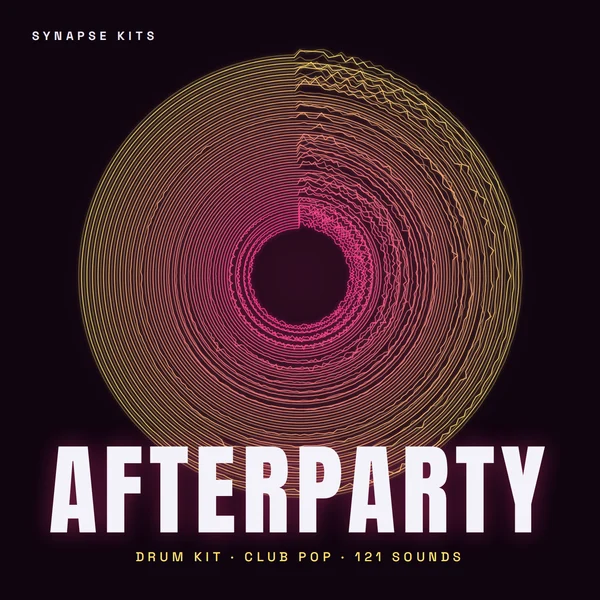
Synapse Kits demo beat · made with the Afterparty Drum Kit, the Jerk Drum Kit and the Evaporate Serum 2 bank. Beat Sweep LP moves a low-pass filter through the beat in time with the bar.

What it does

How to use it

Sidechain pump without routing

Load Sidechain Pump 1/4 (Filter Off, Volume envelope Pump 1/4) on your chords, pads or 808 bus for an instant beat-locked duck. Switch to Pump Hard, Pump Soft or Pump 1/8 for double time.

Only duck the low end

Try Low End Duck so a high-pass filter jumps up on every beat, clearing room for the kick while leaving the top end of your melody untouched.

Wobbles, trance gates and chops

Pick Trance Gate 1/16, Dub Chops or Wobble 1/8, then adjust Rate (from 8 bars down to 1/32, dotted and triplet) and Smooth to go from snappy gates to breathing sweeps.

Build-ups before a drop

Put HP Build 4 Bars on the full mix before a drop, or draw your own shape with Grid (2 to 64 steps), Shapes, Flip and Reverse.

About the plugin

Draw it, and it moves in time with your song. Four drawable envelopes - Volume, Cutoff, Resonance and Pan - stay locked to your DAW's tempo and bar position with zero latency, driving a clean multi-mode filter (LP, BP, HP, Notch, Peak, Low Shelf, High Shelf, Comb or Off). Build sidechain pumps, trance gates, wobbles, chops, filter sweeps, auto-pan and risers with 17 starting shapes, adjustable slopes and a live spectrum display.

Controls

FilterOff, LP, BP, HP, Notch, Peak, Low Shelf, High Shelf, Comb; Slope (12 to 48 dB/oct), Cutoff (20 Hz to 20 kHz), Reso (0 to 100%), Gain (-18 to +18 dB)
Envelope AmountVolume, Cutoff, Reso, Pan (0 to 100%)
RhythmRate (8 bars to 1/32, dotted & triplet), Offset (-50 to +50%), Stereo, Smooth (0.1 to 100 ms)
LevelDrive (0 to +24 dB into the filter), Mix (dry / wet)
DisplaysEnvelope Editor (2 to 64 step grid, 17 shapes, Flip/Reverse) and live Spectrum
FooterBypass, A/B slots, Save preset, license key, In/Out meters, Output trim (-24 to +12 dB)

Factory presets

  • Init
  • Beat Sweep LP
  • Sidechain Pump 1/4
  • Sidechain Pump Hard
  • Sidechain Pump Soft
  • Pump 1/8
  • Pump + Filter Duck
  • Low End Duck
  • Trance Gate 1/16
  • Filter Gate
  • Wobble 1/8
  • Dub Chops
  • Offbeat Bass Duck
  • HP Build 4 Bars
  • Comb Ripple
  • Talking Band
  • Notch Drift 2 Bars
  • Tresillo Filter
  • Auto Pan 1/2
  • Stereo Wander
  • Stutter Exit
  • Staircase Opener
  • Half-Time Drift
  • Air Sweep
  • Peak Sweep 1/4

Install

  1. Unzip the download.
  2. Double-click Install.bat and allow it to run as administrator. It copies the VST3 and CLAP versions into C:\Program Files\Common Files.
  3. Or copy them by hand: VST3\SynapseKitsRhythmFilter.vst3 into Common Files\VST3, and the .clap file into Common Files\CLAP.
  4. Rescan plugins in your DAW. In FL Studio: Options › Manage plugins › Find installed plugins; Install.bat has already put it under Plugin database › Effects › Synapse Kits.
  5. Open the plugin, click DEMO - Enter license key in the footer, paste your key and click Activate. Once per computer, works offline.

The README in the zip lists every control and shortcut. Use it in any music you make; see the plugin license.

Questions

Does it stay locked to my DAW tempo?

Yes. While your song plays, all four envelopes follow your DAW song position and time signature with zero latency, so gates and pumps always land on the bar.

Can I use it just for sidechain pumping without filtering?

Yes. Set the filter type to Off: only the Volume and Pan envelopes run, giving you a clean beat-synced sidechain pump or gate.

Is it free?

No, it costs $15, once. No subscription. Your license key is in the purchase email and in your library. It is also in the SynapseKits Plugin Bundle, with every other plugin.

Does it work in FL Studio?

Yes. Install.bat also adds it to FL Studio's plugin browser under Plugin database › Effects › Synapse Kits. Then open Options › Manage plugins › Find installed plugins and add it to a mixer slot. It also works in Ableton Live, Cubase, Studio One, Reaper, Bitwig and other hosts that load VST3 or CLAP plugins.

How do I activate my license key?

Open the plugin, click "DEMO - Enter license key" in the footer bar, paste the key from your purchase email or your library and click Activate. You do this once per computer: every format (VST3 and CLAP) and every open copy of the plugin picks it up. Activation works offline.

What happens without a key?

The plugin runs in demo mode: everything works, but the sound drops out for about a second once a minute. Entering your key removes that for good.

Can I use it on more than one computer?

Yes, on your own computers. Paste the same key on each one. The key is tied to your email, so please don't share it.

Is there a Mac version?

Not yet. SynapseKits Rhythm Filter is Windows 64-bit only for now. Subscribe below and we'll email you when a Mac version is out.

Which format should I use?

Use VST3 in most DAWs. CLAP works in Bitwig, Reaper and FL Studio 2024 or newer.

Can I use it on music I release or sell?

Yes. Anything you make with it is yours, including beats you sell, commercial releases, streaming and sync. You just cannot share or resell the plugin files.

More plugins

SynapseKits Reverb cover

REVERB PLUGIN · VST3 / CLAP

Algorithmic stereo reverb: lush modulated tails, early reflections, 3-band decay, ducking and freeze.
SynapseKits Atmosphere cover

EXCITER PLUGIN · VST3 / CLAP

Free dynamic exciter: Presence and Air on two big knobs, plus Smooth to keep it off the esses, Mid/Side, three harmonic flavors and Delta. No iLok, no license key.

SynapseKits EQ cover

EQ PLUGIN · VST3 / CLAP

Free 7-band parametric EQ that works like FL Studio's Parametric EQ 2, plus Mid/Side on every band, dynamic bands, Listen and linear phase. No iLok, no license key.

SynapseKits Riot cover

SYNTH PLUGIN · VST3 / CLAP

Our first synth, built for rage and the underground: buzzing 16-voice unison saws, icy plucks, blown-out bells and sliding 808s, an FX rack that hits, and MUTATE for a fresh patch in one click.

For fans of Nettspend, Che and OsamaSon

SynapseKits 808 Clipper cover

CLIPPER PLUGIN · VST3 / CLAP

A clipper built for 808s and sub bass: clean sub replacement, a transient shaper and oversampled clipping with a live scope.

SynapseKits Delay cover

DELAY PLUGIN · VST3 / CLAP

Tempo delay with a time wheel, ping-pong, a resonant feedback filter, lo-fi, diffusion, feedback distortion, ducking and hold.

SynapseKits Flanger cover

FLANGER PLUGIN · VST3 / CLAP

Stereo flanger with a live sweep display and comb-filter graph, tempo sync, stereo phase, feedback invert and cross mix.

SynapseKits Squash cover

COMPRESSOR PLUGIN · VST3 / CLAP

Three-band upward and downward squash compressor on one macro knob, with a low-end Weight switch, tilt EQ, soft clipper and live scope.

SynapseKits Compressor cover

COMPRESSOR PLUGIN · VST3 / CLAP

A compressor that works like FL Studio's Fruity Compressor, plus a gain-reduction display, a parallel Mix fader and a sidechain input with a 100 Hz detector filter.

SynapseKits De-Esser cover

DE-ESSER PLUGIN · VST3 / CLAP

A light de-esser for vocals and harsh hats: four knobs, Split or Wide mode, a Listen button, built like the split-band de-esser in FL Studio's Maximus.

SynapseKits Nasty Cut cover

BEAT REPEAT PLUGIN · VST3 / CLAP

Beat repeats, stutters, half time, tape stops, reverses and gates, drawn as envelopes and locked to your song. Works like FL Studio's Gross Beat, opens its presets, and adds filter, pan, swing, sidechain and a bar sequencer.

SynapseKits Limiter cover

LIMITER PLUGIN · VST3 / CLAP

Two limiters in one: Single works like FL Studio's Fruity Limiter, Multiband works like Maximus. Plus a true-peak ceiling, a LUFS meter, Delta and level-matched bypass.

Free sounds to try it on

ALL FREE →
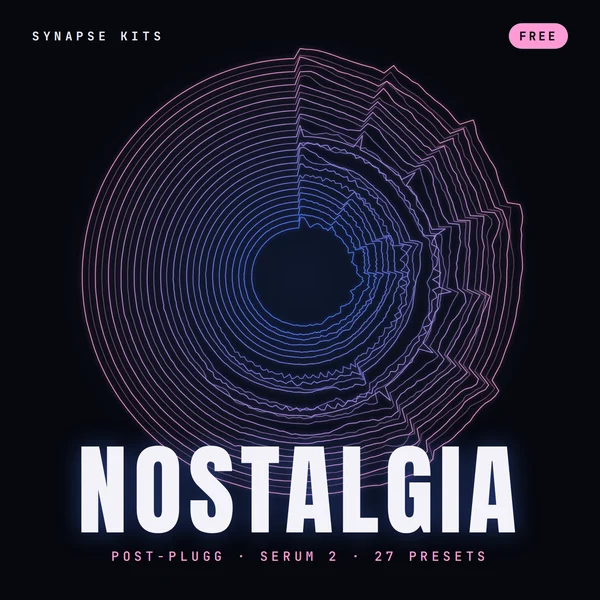
Nostalgia cover

POST-PLUGG · 27 PRESETS

Silky bells, warm keys and snappy plucks with a vintage wobble.

5.0 (1)

+ SynapseKits Serum 2 Skin included free

For fans of untiljapan and Young Thug

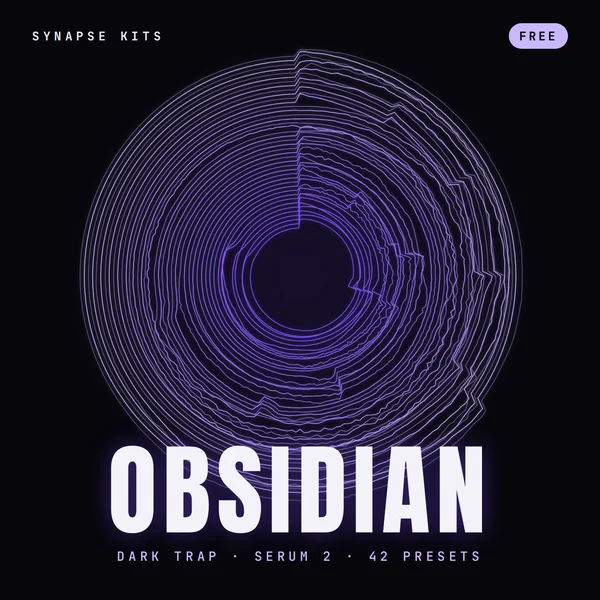
Obsidian cover

DARK TRAP · 42 PRESETS

Dusty, haunted Serum 2 presets for underground dark trap.

+ SynapseKits Serum 2 Skin included free

For fans of $uicideboy$, Shoreline Mafia and Travis Scott

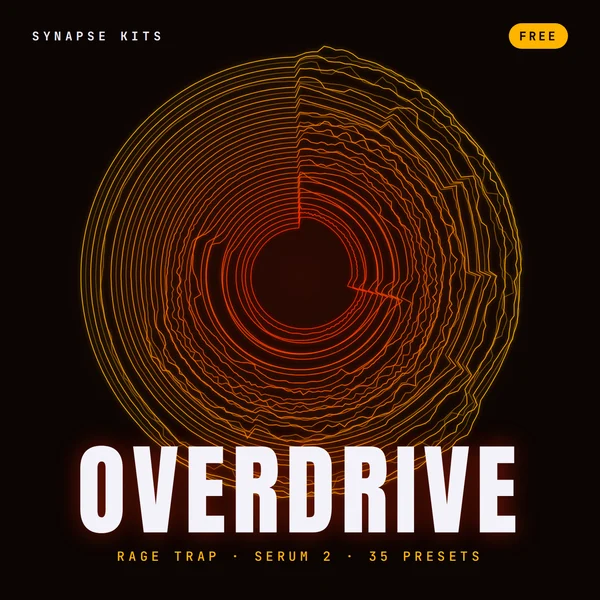
Overdrive cover

RAGE TRAP · 35 PRESETS

Clipped 808s, rage supersaws and chaos on every macro.

+ SynapseKits Serum 2 Skin included free

For fans of Playboi Carti, Yeat and Trippie Redd

VST is a registered trademark of Steinberg Media Technologies GmbH.